Purpose confirmed
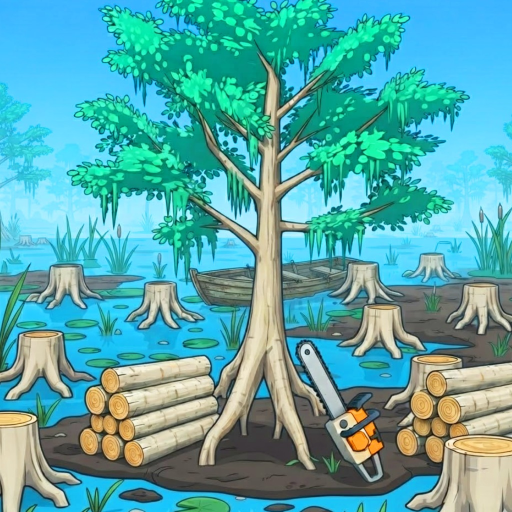
Boats carry players between islands in the current Swamp content.
Learn what boats do in the Cut the Forest Swamp, how to approach the live interaction safely and which controls, island names, costs and routes are still being checked.
Quick answer
Boats carry players between islands in the current Swamp content.
The travel system belongs to the v1.4.0 Swamp cluster.
Island names, count, destinations, spawn points, costs and unlock order are not complete in public data.
These steps stay inside what the current public game information supports. Follow the live prompt whenever a control, price or requirement is not listed.
Reach the Swamp through the current visible progression objective.
Approach an available boat and use the interaction displayed by the live game.
Travel to the available island and continue the objective shown there.
The creator description says they are used to travel to different islands.
Use the current in-game prompt; no exact public binding is claimed here.
A complete current island inventory was not found.
Yes, they are named in the checked v1.4.0 feature description.